Hauntel Management
 Uppsala University
 5 9 weeks

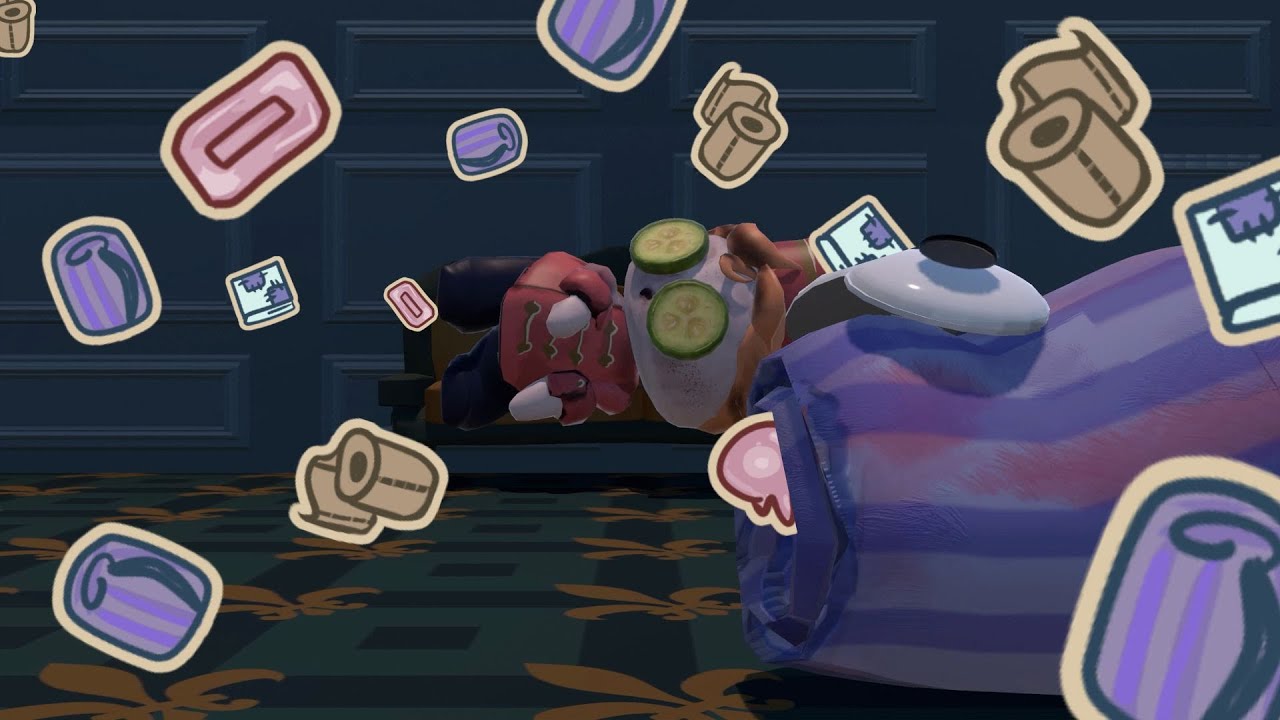
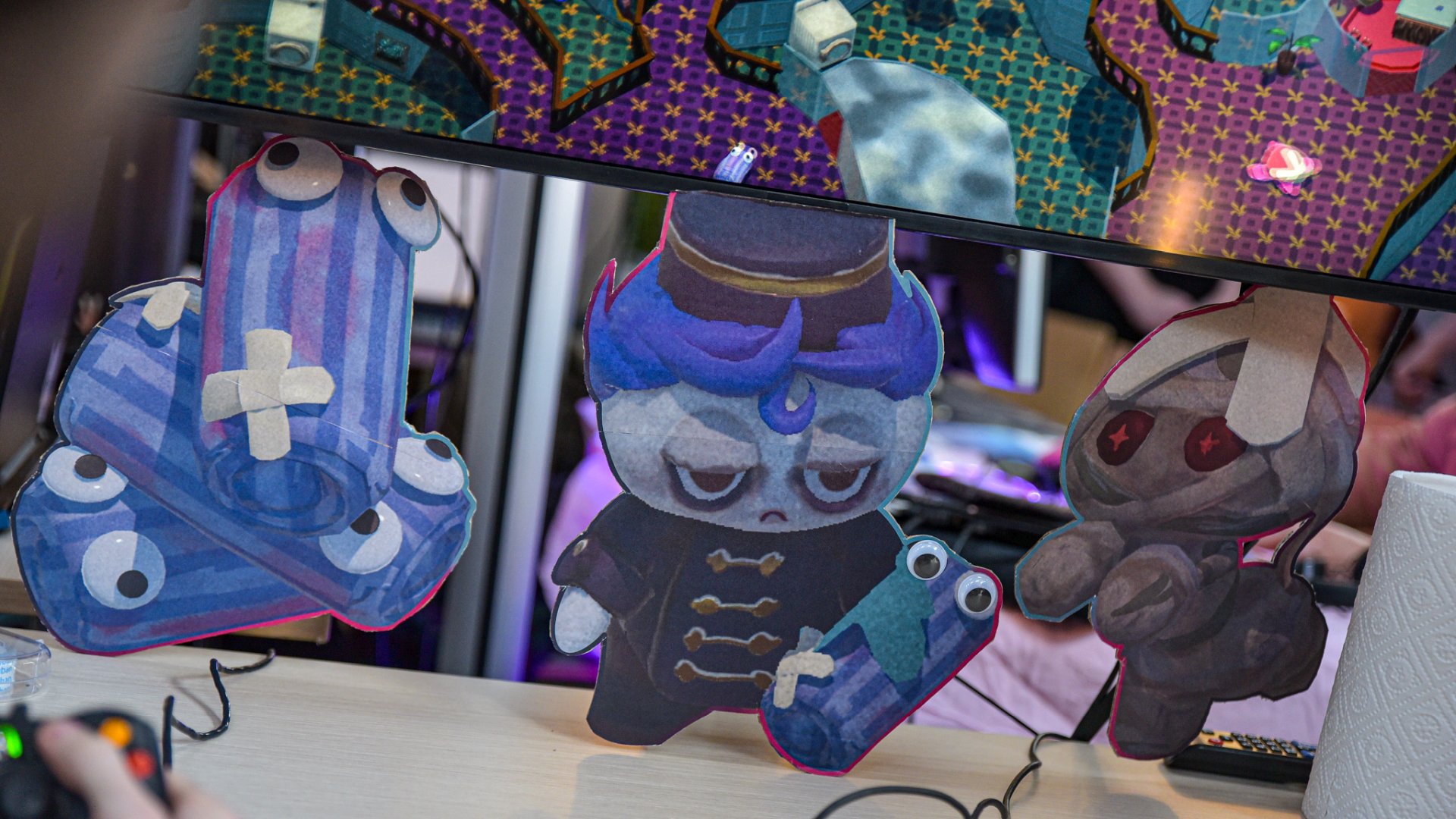
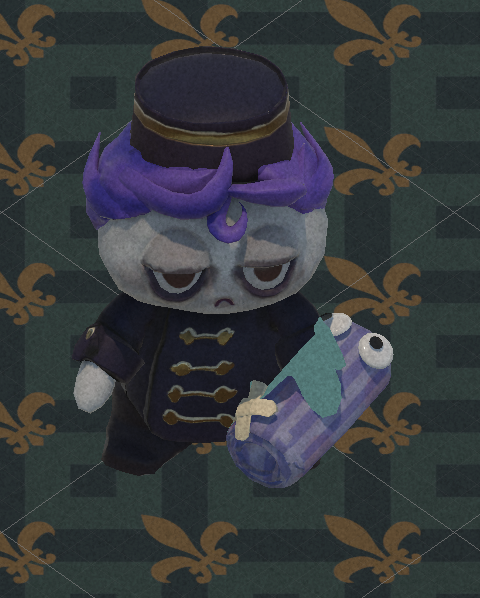
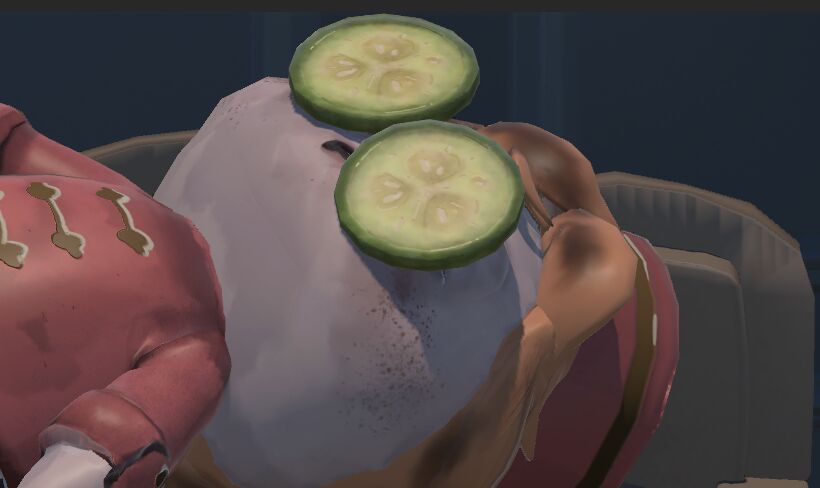
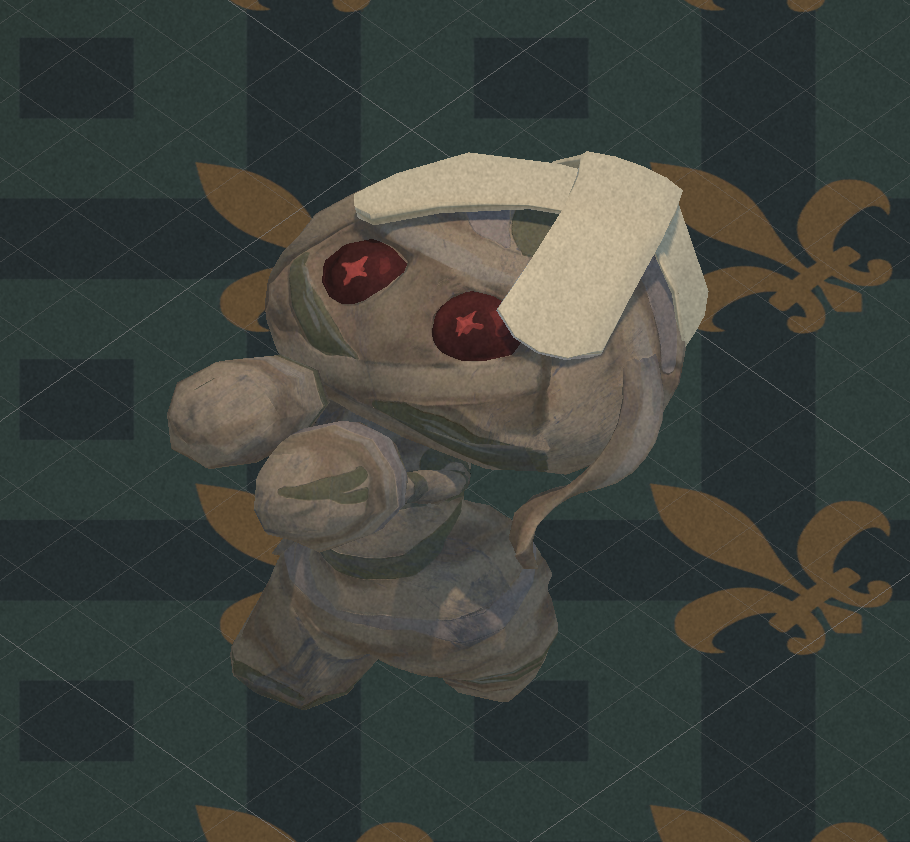
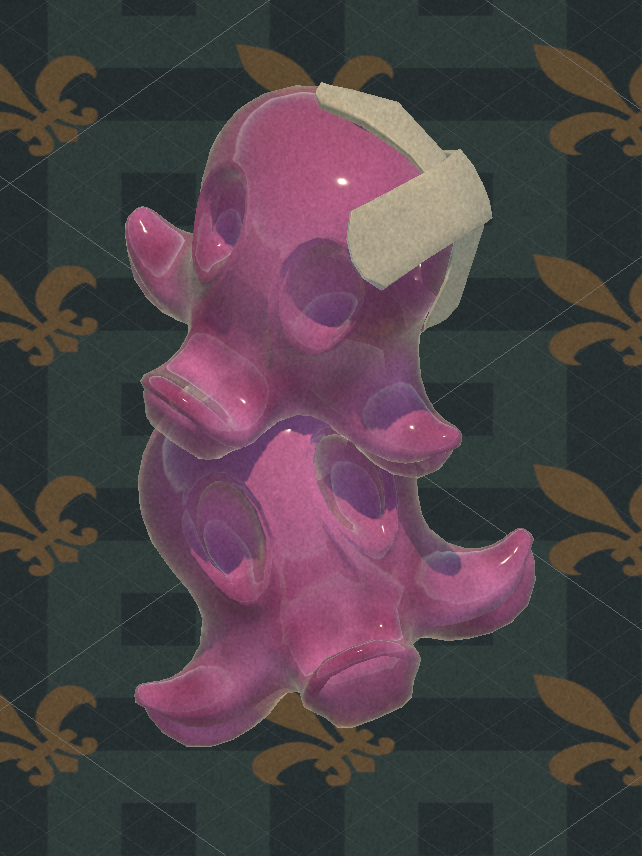
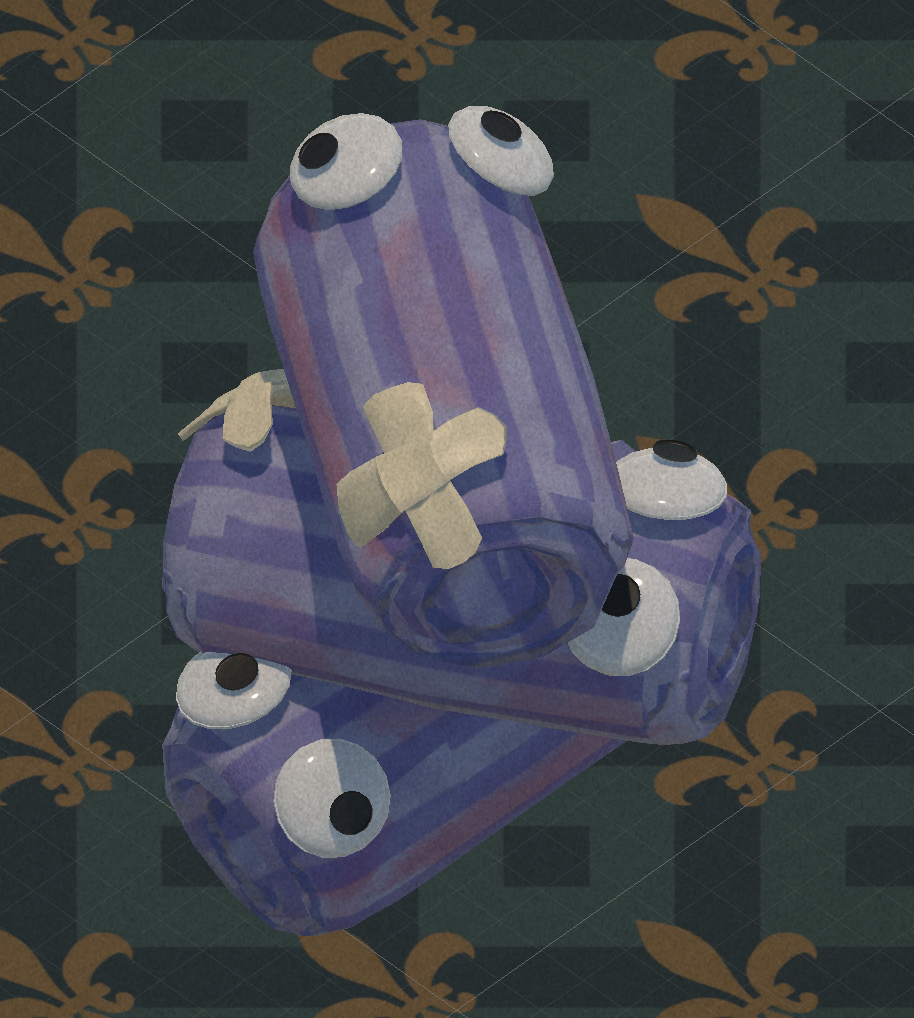
A co-op game where you run a haunted hotel: gather hotel supplies by defeating monsters to prepare rooms before the guests arrive. I was product owner and sole programmer on the team of five, owning the vision and implementing every system within nine weeks.
As a relatively small team of 5, I took on the role of product owner and solo programmer for this game. As I often implicitly took the role of lead designer in my previous projects, it was time to make it explicit and take on the role of product owner. This meant I was responsible for the overall vision of the game, every mechanic, system and feature.
As the only programmer I was also responsible for the implementation of all these features, which meant I had to be very careful about the scope of the project and what features I could realistically implement in the 9 week span we were allocated.


-
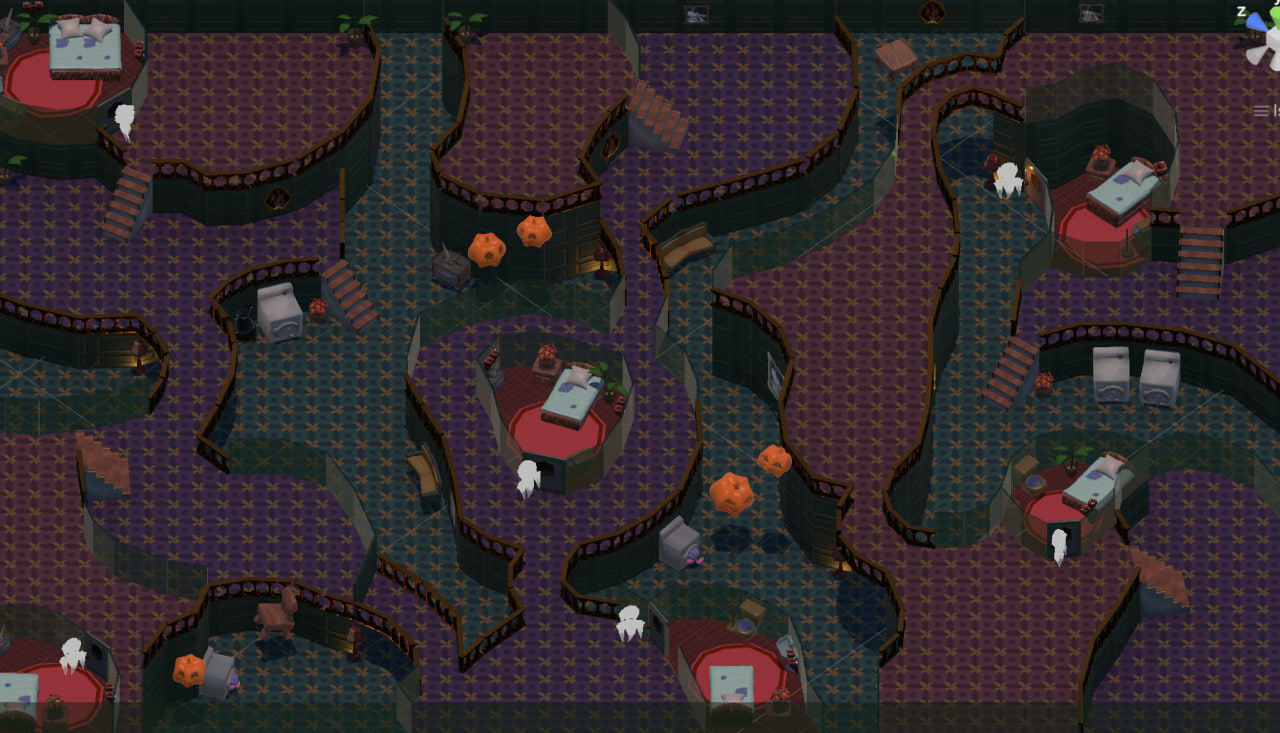
Graph-based room editor: draw a room's outline in Unity's scene view and generate its floor, walls, and collision.
1. The problemFor a small team with no dedicated designer, level building was going to be the bottleneck: a mansion’s worth of rooms is a lot of manual work, and every wall edit drags the floor and its collider along with it. The isometric view made it worse, since it only holds up if everything sits on an enforced grid at a fixed camera angle. Inspired by the Sims house editor, I opted for a graph-based room editor.
Room editor demo 2. A room is a graphA room is stored as points and the edges between them, drawn directly in Unity’s scene view. Every edge carries its own wall type, so solid wall, door and handrail all live on one shape and turning a wall into a doorway is a single keypress on that edge. Some of those types are gameplay rather than geometry, like invisible walls and enemy blockers, so the outline defines where the player and the monsters can go as well as what the room looks like. The whole room regenerates in edit mode while drawing, and every change goes through Unity’s undo stack. Full bindings are listed at the bottom.
3. Walls are prefabs, floors are generatedInstead of generating a wall mesh, I opted for prefabs. Each edge spawns a wall prefab, rotated to the edge and stretched to its length, picked by that edge’s type. Generating the meshes was the obvious route, but as prefabs the art team could restyle a wall type, or add a new one, by authoring a prefab and slotting it into the wall list on the game’s settings.
Floors couldn’t work the same way, because a room is an arbitrary polygon. The generator walks the edges into a loop, triangulates the interior with ear-clipping, and extrudes the resulting mesh into a floor collider.
4. Built under time pressureI was product owner and the only programmer, so this tool was competing for time with every other system in the game. To get it built and deployed quickly under that, I leaned heavily on AI here in particular, the ear-clipping pass included, which I hadn’t anticipated needing when I scoped the work. It shipped and did its job, but it carries the marks of being built fast.
5. Features list- Toggle edit mode with the E key or a button on the component; Esc leaves it.
- Trace a room by selecting a point and Ctrl+clicking to drop the next one, linked to the last.
- Ctrl+click between two existing points to connect them.
- Hover Ctrl over an edge to insert a point mid-wall, splitting it in two.
- Drag a point to move it; placement and moves snap to the grid.
- Shift+click or Delete to remove a point or an edge.
- Arrow keys cycle an edge’s type through the seven wall prefabs: wall, door, handrail, enemy blocker, transparent wall, invisible wall, tall wall.
- Space shrinks the selected edge’s collider to one unit high, leaving the wall itself as it is.
- F frames the camera on the selected point or edge.
- Full undo/redo through Unity’s own stack.
- Live feedback: points and edges colored by state, with a ghosted preview of the point or connection about to be placed.
- Project-wide menu commands to regenerate, recenter, and re-snap every room at once.
- A scene view overlay to snap the camera to the game’s isometric angle (Ctrl+Shift+I) and apply the project’s grid and snap settings.